
Every agent,
one glance.
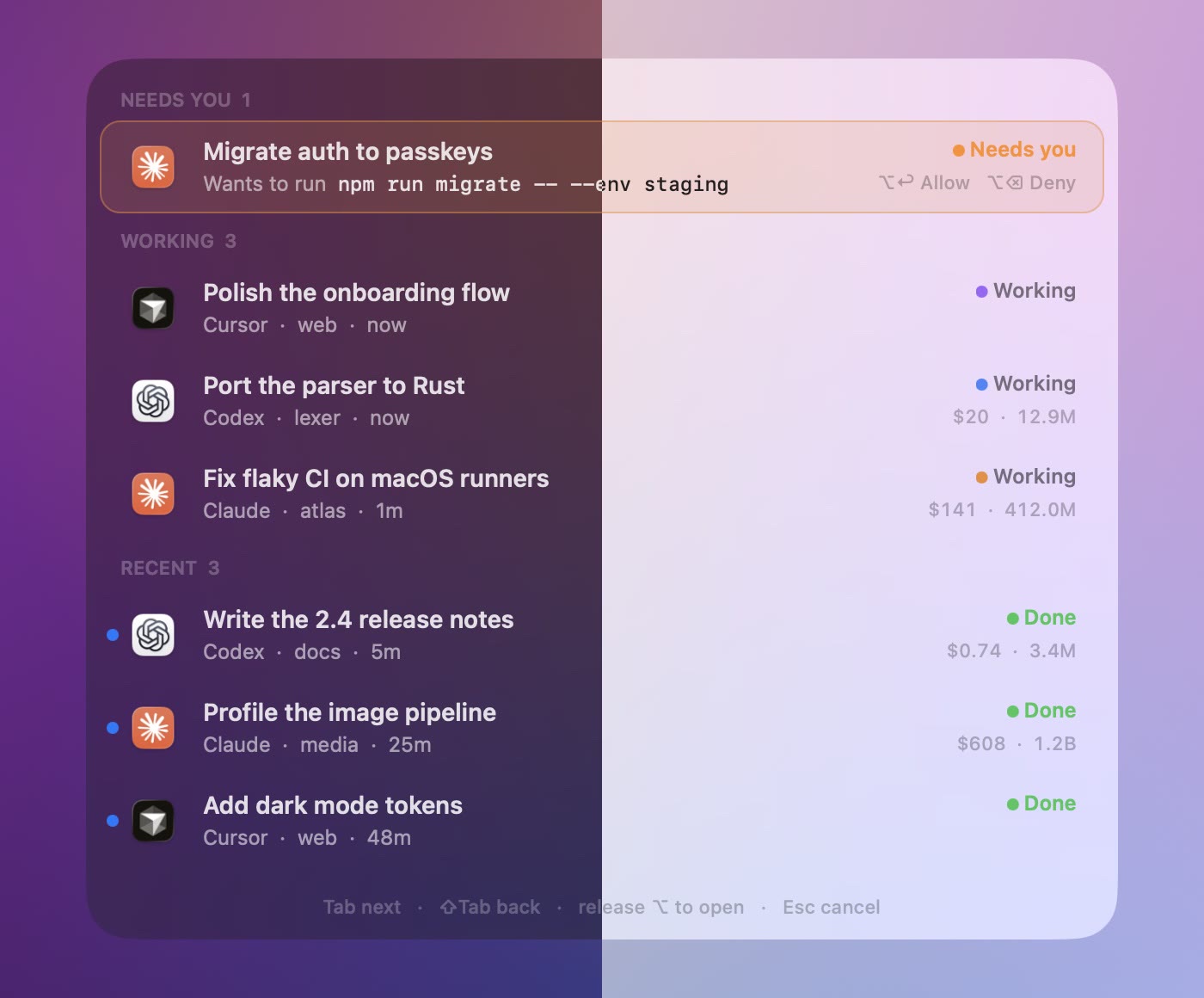
Muster watches your Claude, Codex and Cursor sessions from the menu bar and tells you which one is waiting on you.
⌥Tab
Hold ⌥ and tap Tab. The session that needs you is first, and letting go opens it.
Muster watches your Claude, Codex and Cursor sessions from the menu bar and tells you which one is waiting on you.
Hold ⌥ and tap Tab. The session that needs you is first, and letting go opens it.
When an agent wants to run a command, the request shows up at the top of whichever screen you're on. Allow it from there, or deny it with ⌥⌫. Questions and plan approvals work the same way.

For Claude Code and Codex, once you turn it on. If Muster isn't running, the agent asks the usual way.
Every session from the last three hours, in one list. Start typing to narrow it down.
Each one shows its tokens and what they would cost at API list prices. On a Max or Pro plan you don't pay that, but it tells you which sessions are the expensive ones.
Muster is a native AppKit app and a 2 MB download. It uses the system's own glass and follows your light or dark appearance.
Claude's app, the Codex thread, Cursor's Agents window, or the terminal a CLI session runs in.
Claude Code sessions that the desktop app runs over SSH show up next to your local ones.
Notifications carry Allow and Deny, or the options to a question.
Change ⌥Tab and ⌃⌥Space. Muster tells you if another app already uses one.
muster://next opens the session that needs you most. muster://search opens search.
A finished session stays marked until you open it.
Muster reads the session files your agents already write. An agent's question reaches Muster over localhost, and your answer goes back the same way. There's no account and no analytics, and the update check stays off until you turn it on.
Muster reads their session files.
Questions and answers stay on 127.0.0.1.
Muster